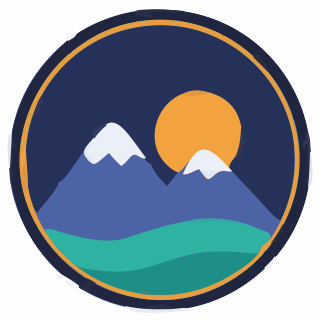
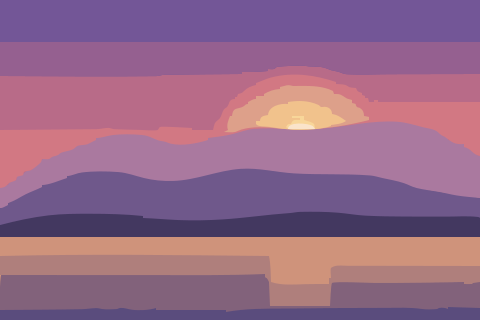

A preset for every kind of image
Logo, Illustration, Photo, Black & white and Pixel art each start from tuned tracing settings, so most images look right before you touch a slider.
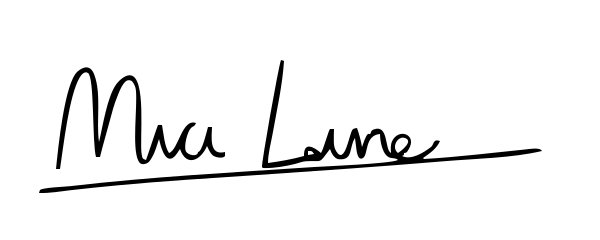
Turn a photo, logo or drawing into a one-color stencil with clean edges, and download it as an SVG for cutting machines, lasers or printing.
Example result
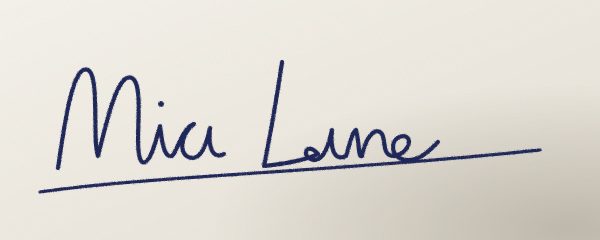
signature.jpg → SVG
Never uploaded
Your image is decoded and traced inside your browser. It never leaves your device.
Clean, free SVG
No watermark and no account for single images up to 2 megapixels.
Editable paths
One filled path per color region, ready for Illustrator, Figma, Inkscape or Cricut.
14-day refunds
Pro is US$5 a month, cancel anytime, full refund within 14 days.
How it works
No install and no upload. Contour runs the tracing engine in your browser with WebAssembly.
 logo.png200×200
01
PNG, JPG, WebP, GIF or BMP. It is opened by your browser, not uploaded.
02
Choose the image type, then adjust colors, detail and smoothness while the preview updates.
03
Save a clean SVG for free, or PDF, EPS and DXF with Pro.
Features
Every result below is real Contour output, traced from the example images with the default settings.
Logo, Illustration, Photo, Black & white and Pixel art each start from tuned tracing settings, so most images look right before you touch a slider.

Sprites stay crisp squares at any size; neighbouring pixels of one color merge into a single shape.
Transparent areas stay empty, so the SVG keeps the outline of your PNG instead of a white box.
SVG is free. Pro exports the same vector as PDF and EPS for print shops and DXF with one layer per color for lasers and CNC.
With Pro, drop up to 50 images, convert them with the same settings and download one ZIP.
Client logos, signatures and unreleased artwork are safe to convert: Contour has no upload endpoint for images, and closing the tab discards them.
Guide
Turn a photo, logo or drawing into a one-color stencil with clean edges, and download it as an SVG for cutting machines, lasers or printing.
The Black & white preset splits the image into ink and background and keeps only the dark shapes, so every part of the result is one solid color you can cut. Lower Detail removes specks that would be impossible to cut or weed; higher Smoothness gives the blade or brush gentler curves.
Photos with strong light and shadow, like a portrait lit from one side, make the most striking stencils. For a phone photo of a drawing, turn on "Photo of paper with shadows" so faint lines in darker corners are kept.
Closed shapes such as the middle of an O fall out when a stencil is cut. Check the preview for these islands and connect them to the outside with a thin bridge in your vector editor before cutting, or cut them as separate pieces.
Compare
Most converters upload your file. Desktop apps need an install. Contour does the work in the tab you already have open.
Image stays on your device
Nothing to install
Free SVG, no watermark or sign-up
Live preview while you tune
PDF, EPS and DXF export
Price
More converters
Free in your browser. Pro adds 16-megapixel tracing, batches and PDF, EPS and DXF export for US$5 a month.